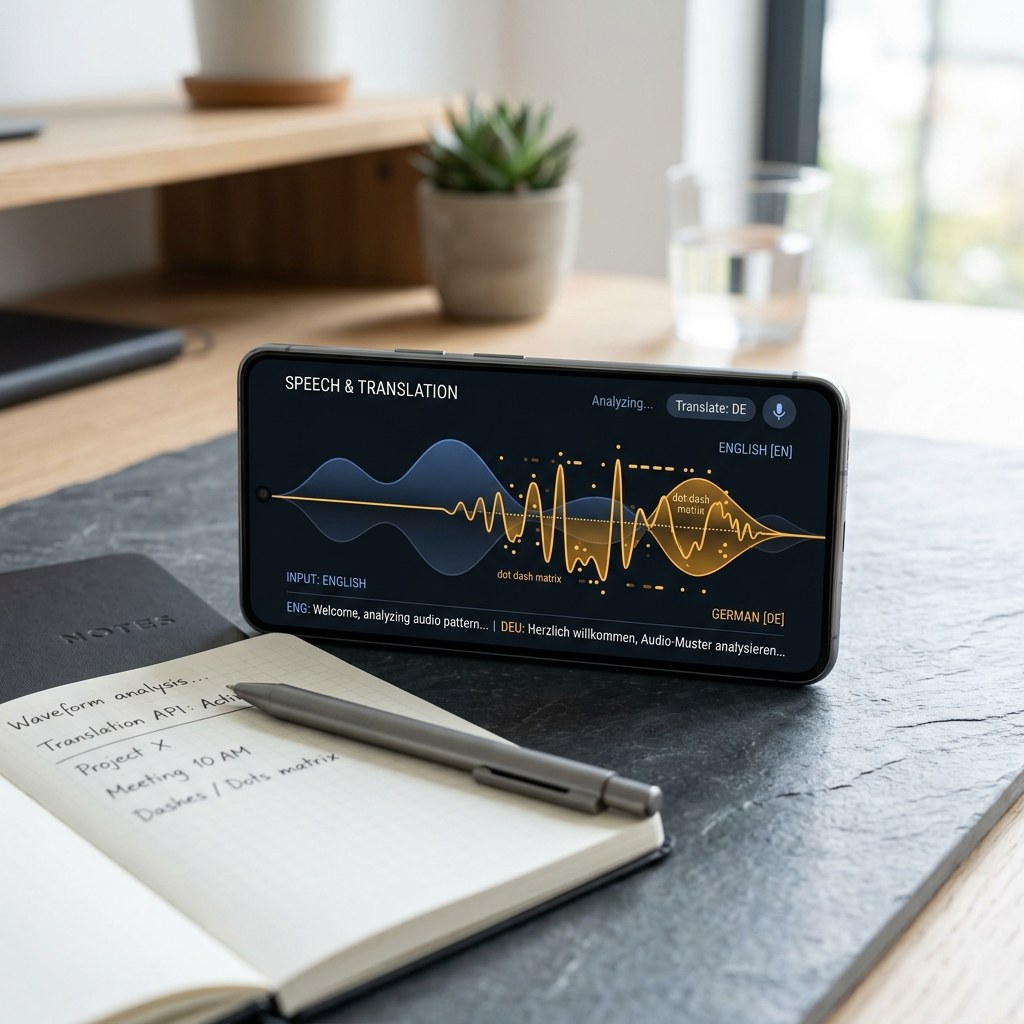
People search for a morse code generator, a morse code translator, and a morse code converter as if they were three different machines. In practice they are three faces of the same skill: turning English into timed dots and dashes, and turning those signals back into words. I built the free tool on this site — so learners can hear International Morse at honest ITU timing instead of guessing from a paper chart. This guide explains what each label actually does, how Morse code to English decode works, and how to practice without picking up habits that collapse above ten words per minute.
What Morse Code Is (And What It Is Not)
Morse code is a timed binary language. A short mark is a dit (written as a dot). A long mark is a dah (written as a dash), three times the length of a dit. Letters are built from those two marks. The space inside a letter is one dit long. The space between letters is three dits. The space between words is seven dits. That timing — not the printed dots — is the real code. If you only memorize a chart, you have learned a font, not Morse code.
The living standard is International Morse Code, coordinated by the ITU and used on amateur radio, by maritime and aviation services, and in most classrooms in 2026. American Morse, also called Railroad Morse, is a nineteenth-century landline variant with spaced dots inside some letters. Do not mix the two. Every example in this article, and every beep from the homepage tool, is International Morse.
Morse code is not encryption. Anyone with a chart can read it. It is also not binary in the computer-science sense: there is no fixed-width packet, and the “zero” of Morse is silence, not a second tone. Those distinctions matter when you compare a Morse code converter with a binary encoder or a QR code. You are encoding letters into rhythm, not packing bits for a machine.
If you are brand new, pair this article with the Learn Morse Code roadmap and the step-by-step Learn Morse Code Fast tutorial. Charts help you check a letter. Audio plus a translator is how you actually acquire it.
Morse Code Generator vs Translator vs Converter
Search engines treat these three phrases as separate products. Operators treat them as one workflow. Here is the distinction I teach, using the exact jobs people ask for.
Morse code generator: English in, signals out
A morse code generator takes readable English — a call sign, SOS, a practice word — and emits Morse as text (dots and dashes), as audio (a sidetone), or as light (a flashing screen or lamp). Generation is one-way. You do not paste dits into a generator and expect a paragraph back. You use a generator when you already know what you want to send and need a clean, timed output.
Good generators expose speed in words per minute, tone frequency (typically 500–800 Hz for comfortable copy), and Farnsworth spacing so characters stay fast while overall pace stays slow. A generator that only dumps “.... . .-.. .-.. ---” with no timing is a printer, not a Morse code generator. Timing is the product.
Morse code translator: both directions, one workspace
A morse code translator is bidirectional. Type English and see Morse. Paste Morse and see English. That two-way loop is what learners need. I generate a word, hide the English, copy by ear, then check the decode. The same page should also let you reverse the flow: type Morse from a photo, a tattoo sketch, or a radio log, and read the English immediately.
Our homepage Morse code translator is built as that two-way workspace. It is the tool I point students to before they ever touch a straight key. If a site labeled “translator” only goes English-to-Morse, it is a generator wearing a translator’s name.
Morse code converter: the same mapping, different packaging
A morse code converter is not a third alphabet. It is a remapper. Convert letters to dots. Convert dots to letters. Convert Morse to audio. Convert a number string to five-element Morse groups. The word “converter” shows up in searches because people think of units — miles to kilometers, ASCII to hex. Morse conversion is the same idea: one representation in, another out, with no meaning added and none subtracted.
In software, generator, translator, and converter often share one lookup table: the International Morse map for A–Z, 0–9, and punctuation. The labels describe the user’s intent, not three engines. When you use our site as a Morse code converter, you are still using International Morse with ITU gaps. There is no secret “converter mode” that changes the code.
Which label should you search for?
- Need practice audio or a flashing light from a sentence? Use a Morse code generator.
- Need to check copy, decode a message, and send in the same sitting? Use a Morse code translator.
- Need to remap a string you already have — tattoo dots, a log excerpt, a number list? Use a Morse code converter.
- Need readable words from pasted dots and dashes? That job is Morse code to English, covered next.
On this site, all of those jobs sit on the homepage translator. You do not need three bookmarks.
Morse Code to English: How Decode Actually Works
The phrase morse code to english is the decode direction: marks in, letters out. Students get stuck here for one reason more than any other — they paste a run of dots with no letter spaces. The converter then has no idea where E ends and T begins. Morse is not self-delimiting the way UTF-8 is. Gaps are data.
A correct Morse code to English pass does four things in order:
- Normalize input: treat
.and-(and sometimes*and_) as dits and dahs; ignore stray punctuation. - Split on word separators (a slash, a vertical bar, or a run of spaces) then on letter separators (a single space).
- Look up each token in the International Morse table. Unknown tokens stay as
?rather than guessing. - Join letters into words and words into a sentence. That sentence is your English output.
Try a known group first. SOS is ... --- .... If Morse code to English does not return SOS, your spacing is wrong. HELLO is .... . .-.. .-.. ---. If you paste ..........--- with no gaps, no honest translator can recover HELLO. The generator on the same page will show you the correct gaps if you type HELLO in English first, then copy that Morse back into the decode box as a check.
Prosigns (AR, SK, BT) and Q-codes are not English words; they are procedural shortcuts. A Morse code translator may print them as letters (AR) or as a named prosign if the table includes them. Do not expect literary English from a contest exchange. Decode first, then interpret as an operator would.
Using the Homepage Tool as Generator, Translator, and Converter
Open the free Morse code translator and treat it as a bench instrument, not a toy. I recommend this loop for every new student:
- Generate: Type a short English word. Play the audio. Watch the flash. That is the Morse code generator path.
- Convert: Copy the printed dots into a notebook. Compare them with the Morse code alphabet chart. That is the Morse code converter path — representation to representation, no mystery.
- Translate back: Clear the English box, paste only the Morse, and run Morse code to English. Confirm you get the original word. That is the translator path.
- Copy by ear: Play the tone with eyes closed, write what you hear, then check. Never count dits. Hear the shape.
Set Farnsworth spacing so characters sound like 15–18 WPM even if the overall rate is 5–8 WPM. Counting “dot-dot-dot-dash” for V will work at walking speed and fail the moment a real QSO speeds up. I have spent twenty-five years unteaching that habit. Start correctly.
When you add numbers, use the Morse code numbers page. Digits are five marks long: 1 is .----, 2 is ..---, through 0 as -----. A Morse code generator that mangles numbers usually has a truncated table. Ours does not. Generate a sample with a digit — for example MORSECODER 1 — and decode it back as a daily drill.
The Alphabet, Numbers, and Why Charts Are Not Enough
The International Morse alphabet is twenty-six letters. The shortest are E (.) and T (-). The longest common letters are J, Q, Y, and a few others at four marks. Frequency matters more than alphabet order. E, T, A, I, N, S, O, H carry a huge share of English. A Morse code generator that only recites A-to-Z in order trains you for a quiz, not for copy.
Use the interactive Morse code alphabet to click a letter and hear it. Then generate mixed groups with the translator — not alphabetical lists. When numbers appear in a signal report or a grid square, switch to the numbers guide and generate 5NN, 599, and a few zip-style groups so five-element digits feel as familiar as E and T.
Punctuation is optional at first. A period, comma, and question mark cover most amateur traffic. If a Morse code converter returns extra question marks, you probably pasted an unsupported symbol. Translate the letters and numbers first; add punctuation once the core table is solid.
The Learn Morse Code path and the fast-learning article walk through Koch sequencing and Farnsworth spacing in more depth. This article stays on tools: generator, translator, converter, and Morse code to English decode. Use those four jobs every day for fifteen minutes. That beats a two-hour cram with a silent chart.
A Practical 15-Minute Session With All Four Jobs
Here is the session I assign after a first license class. It uses one page and no radio.
- Minutes 1–3: English to Morse. Type five words you actually send: SOS, CQ, TEST, NAME, CALL. Play each. That is generator work.
- Minutes 4–7: Eyes on the Morse line only. Cover the English. Copy on paper. Uncover and grade. That is translator work in the send-to-copy direction.
- Minutes 8–11: Paste a Morse string from yesterday’s notebook into the decode box. Run Morse code to English. Fix any spacing errors in the notebook so they do not fossilize.
- Minutes 12–15: Convert a number and a mixed group — your call sign, a grid, a house number — with the Morse code converter view of the same tool. Check digits against the numbers chart.
That is Morse code practice with a closed loop: generate, hear, convert, decode. Students who only generate never learn to copy. Students who only decode never learn to send clean Morse. The translator exists so you do both without buying a radio on day one.
Common Errors I See in Generator and Decode Workflows
After decades of on-air copy and classroom labs, the same five mistakes show up whenever someone first opens a Morse code generator or translator.
- No letter spaces. Decode fails. Insert one space between letters before you blame the table.
- Using American Morse charts on an International tool. L, C, R, and others will not match. Stay International.
- Counting dits out loud. The generator will play the right rhythm; your mouth will teach the wrong one. Listen, do not tally.
- Setting WPM too slow with equally slow characters. You memorize five-WPM “shapes” that do not exist at QSO speed. Keep characters fast; add Farnsworth gaps.
- Treating Morse code to English as spell-check for noisy audio. If the recording is sloppy, fix the recording. A converter will faithfully print garbage if you feed it garbage gaps.
A smaller sixth error: generating huge paragraphs. Morse is a character skill. Ten clean letters beat two hundred sloppy ones. Generate short, decode short, then lengthen.
When You Should Still Learn Without a Screen
A Morse code translator is a reference and a drill sergeant. It is not a substitute for a key, a radio, or an emergency plan. If the grid is down, you will not open a browser. Learn SOS, your name, and a few location words by ear from the generator, then from a flashlight and a tap on a pipe. The survival phrases on this site exist for that reason.
On the air, never send Morse you have only seen as text. Generate it, listen until the rhythm is automatic, then send. The homepage tool is a way to check a rare punctuation mark before you practice it aloud.
If your goal is fluency, follow Learn Morse Code for curriculum order and Learn Morse Code Fast for the first-week sequence. Keep the alphabet and numbers pages open as lookup, not as a reading method. And keep returning to the Morse code translator whenever you need a generator burst, a converter check, or a Morse code to English confirmation.
Quick Reference: Which Tool Label Matches Which Task
- Morse code itself: International Morse, ITU timing, dits and dahs plus silence.
- Morse code generator: English to Morse text, tone, or light.
- Morse code translator: both directions on one page, including audio playback.
- Morse code converter: remap representations; same alphabet, different I/O.
- Morse code to English: decode pasted dots and dashes into words.
MorseCoder publishes this generator-translator-converter on the open web so nobody has to pay for a noisy app that ignores Farnsworth timing. Use it daily. Check your copy. Then get on the air when you are ready. Dots and dashes still speak — but only if the spaces are honest.